Learn how to update SIM ownership legally in Pakistan with this complete PTA-approved guide. Step-by-step process, required documents, benefits, FAQs, and official resources.
Basic Information Table
| Detail | Information |
|---|---|
| Process Name | SIM Ownership Update |
| Authority | Pakistan Telecommunication Authority (PTA) |
| Eligibility | CNIC holder in Pakistan |
| SIM Types | Prepaid & Postpaid |
| Verification | Biometric Verification |
| Legal Status | Fully Legal & PTA Approved |
Overview: How to Update SIM Ownership Legally in Pakistan
Understanding how to update SIM ownership legally in Pakistan is essential if you are using a SIM that is registered under someone else’s CNIC. PTA strictly requires that every active SIM must be registered under the actual user’s identity to ensure national security, prevent misuse, and protect consumers.
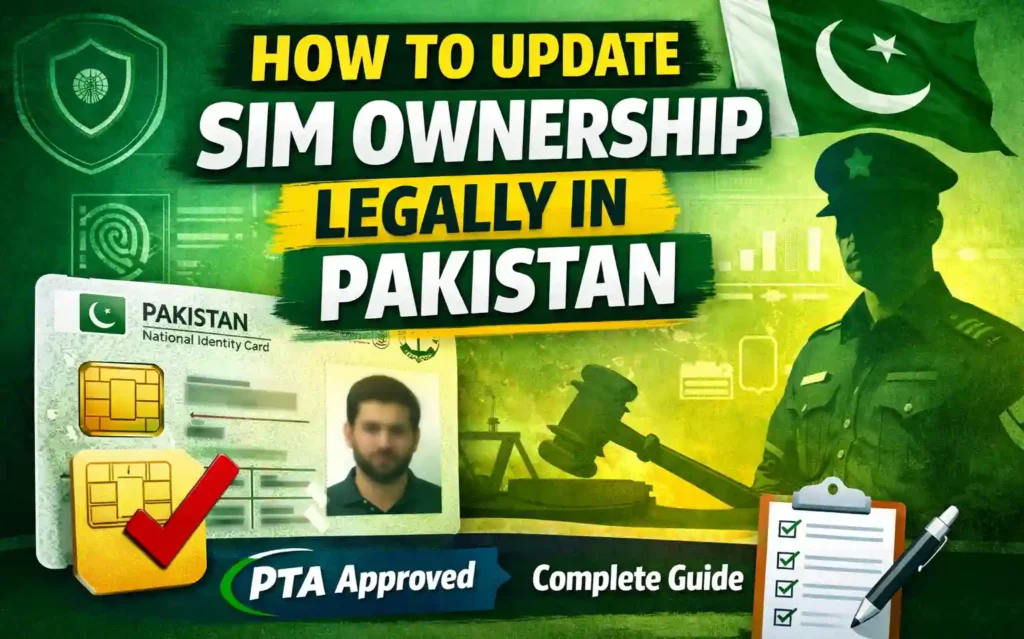
SIM ownership updates are commonly needed when:
- A SIM was purchased on behalf of someone else
- A number was transferred informally
- You inherited or received a SIM from a family member
- Ownership details were incorrectly registered
The good news is that PTA provides a clear, legal, and secure method to update SIM ownership through authorized mobile network operators.
Why Updating SIM Ownership Is Important
Updating SIM ownership is not just a formality — it is a legal requirement in Pakistan.
Key Reasons
- Compliance with PTA regulations
- Protection against fraud and misuse
- Secure access to banking and digital services
- Avoid SIM blocking or deactivation
- Clear ownership proof in disputes
Important: Using a SIM registered under another CNIC may result in suspension or legal complications.
Required Documents for SIM Ownership Update
Before visiting a service center, make sure you have the following documents:
Mandatory Documents
- Original CNIC of the new owner
- Original CNIC of the current SIM owner
- Active SIM card
- Biometric verification (thumb impression)
Additional Notes
- Both parties must be physically present
- CNIC must be valid and unexpired
- Biometric verification is mandatory under PTA rules
Step-by-Step Process: How to Update SIM Ownership Legally in Pakistan
Step 1: Visit Authorized Franchise
Go to the official service center of your mobile network (Jazz, Zong, Ufone, or Telenor).
Step 2: Request SIM Ownership Transfer
Ask for a SIM ownership update or transfer request.
Step 3: Submit Required Documents
Provide original CNICs and the active SIM.
Step 4: Biometric Verification
Both the current and new owner must complete biometric verification.
Step 5: Confirmation
Once verified, the SIM ownership is updated in PTA’s database.
⏱ Processing Time: Usually completed within a few hours.
Benefits of Updating SIM Ownership (General Information)
Updating SIM ownership legally offers several practical advantages:
- Peace of mind knowing your SIM is legally registered
- Secure access to mobile banking, wallets, and apps
- Avoid service interruptions
- Eligibility for SIM replacement
- Improved privacy and control
These benefits are general outcomes of legal compliance and do not imply special privileges beyond PTA regulations.
PTA Rules You Must Follow
To remain compliant:
- Each CNIC can have up to 5 SIMs per network
- Biometric verification is mandatory
- SIM transfer without verification is illegal
- Unauthorized agents should be avoided
You can verify PTA policies directly on the official website:
Pakistan Telecommunication Authority: https://www.pta.gov.pk
Contact Details Table (Mobile Network Operators)
| Network | Customer Support |
|---|---|
| Jazz | 111-300-300 |
| Zong | 310 |
| Ufone | 333 |
| Telenor | 345 |
Always visit authorized franchises only for legal SIM ownership updates.
Helpful Resources
Internal Resource
For guides related to SIM verification and ownership checks, visit:
Sim Owners: https://simowners.com/
External Official Resource
For laws, regulations, and SIM policies, refer to:
Official PTA Website: https://www.pta.gov.pk
Common Mistakes to Avoid
- Using agents offering “online transfer”
- Sharing CNIC copies unnecessarily
- Skipping biometric verification
- Using a SIM registered to a stranger
Always follow official PTA-approved procedures only.
Frequently Asked Questions (FAQs)
Is it legal to update SIM ownership in Pakistan?
Yes, it is completely legal when done through authorized service centers following PTA guidelines.
Can I update SIM ownership without the previous owner?
No. Both parties must be present for biometric verification.
Does PTA charge a fee for SIM ownership update?
Most networks perform this service free of cost, but policies may vary.
How long does SIM ownership transfer take?
Usually a few hours, but sometimes up to 24 hours.
Can a blocked SIM be transferred?
No. The SIM must be active to update ownership.
Final Thoughts
Knowing how to update SIM ownership legally in Pakistan helps you stay compliant with PTA rules while protecting your identity and digital services. The process is simple, secure, and designed to safeguard mobile users nationwide.
Want more reliable, PTA-approved SIM guides?
Explore expert resources, step-by-step tutorials, and legal verification tips on Sim Owners and stay informed about your digital rights.
Visit now: https://simowners.com/
Stay legal. Stay secure. Stay informed.