Learn how to check SIM registration against CNIC through PTA in Pakistan. Step-by-step guide, required documents, benefits, FAQs, and official resources in one place.
Basic Information Table
| Detail | Information |
|---|---|
| Service Name | Check SIM Registration Against CNIC Through PTA |
| Authority | Pakistan Telecommunication Authority (PTA) |
| Purpose | Verify SIMs registered on a CNIC |
| Eligibility | Pakistani CNIC Holders |
| Cost | Free |
| Availability | 24/7 Online |
| Official Platform | PTA SIM Information System |
Overview: Check SIM Registration Against CNIC Through PTA
In today’s digital world, SIM card security is extremely important. Many people are unaware of how many SIM cards are registered on their CNIC. This can be risky, especially if an unknown SIM is being misused.
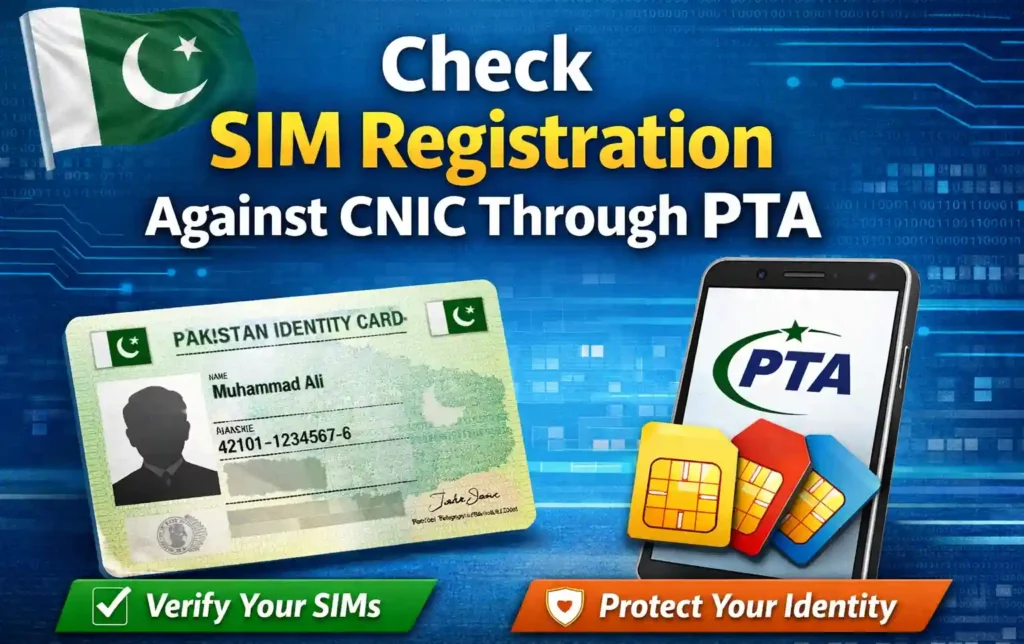
The Pakistan Telecommunication Authority (PTA) provides an official and free facility that allows citizens to check SIM registration against CNIC through PTA. This service helps you confirm how many SIMs are issued under your identity and ensures your CNIC is not being misused.
By using this system regularly, you can stay safe, compliant with PTA rules, and protect yourself from fraud or legal trouble.
Why Checking SIM Registration Is Important
Checking SIMs linked to your CNIC is not just a good habit — it is essential. Here’s why:
- Prevent identity misuse
- Avoid illegal SIM usage
- Stay within PTA SIM limit
- Enhance personal security
- Ensure accurate mobile records
PTA allows a limited number of SIMs per CNIC, so monitoring your registrations is crucial.
Required Documents
To check SIM registration against CNIC through PTA, you only need minimal information:
- Valid CNIC number
- Access to a mobile phone or internet
- Basic personal verification
No physical documents or visits are required, making the process fast and user-friendly.
How to Check SIM Registration Against CNIC Through PTA (Step-by-Step)
Follow these simple steps:
Method 1: Online PTA SIM Information System
- Visit the official PTA website
https://www.pta.gov.pk - Navigate to the SIM Information section
- Enter your CNIC number (without dashes)
- Complete verification
- View all SIMs registered on your CNIC
Method 2: SMS Method
- Send your CNIC number to 668
- You will receive details of SIMs registered with each network
💡 Standard SMS charges may apply.
Benefits of Checking SIM Registration Through PTA
Here are the key benefits of using the PTA SIM verification system:
- Free and official service
- Quick identity verification
- No registration required
- Available nationwide
- Helps detect unauthorized SIMs
- Supports legal compliance
This system promotes transparency and user safety across Pakistan’s telecom network.
What to Do If You Find an Unknown SIM?
If you see a SIM registered under your CNIC that you do not recognize:
- Visit the nearest franchise of the relevant network
- Request SIM blocking or removal
- Carry your original CNIC
- File a complaint if necessary
PTA and telecom operators take such cases seriously to protect citizens.
PTA Contact Details Table
| Type | Details |
|---|---|
| Organization | Pakistan Telecommunication Authority |
| Official Website | https://www.pta.gov.pk |
| Helpline | PTA Consumer Complaint Center |
| info@pta.gov.pk | |
| Service Hours | 24/7 (Online Services) |
Useful Resources & Links
- 🔗 Internal Resource:
Visit Sim Owners for helpful SIM-related guides and tools:
https://simowners.com/ - 🌐 External Official Resource:
PTA Official Website for SIM Verification:
https://www.pta.gov.pk
Common Mistakes to Avoid
When checking SIM registration:
- Do not share CNIC publicly
- Avoid unofficial websites
- Never pay for free PTA services
- Don’t ignore unknown SIMs
Always rely on official PTA platforms only.
FAQs – Check SIM Registration Against CNIC Through PTA
How many SIMs are allowed on one CNIC?
PTA allows a limited number of SIMs per CNIC as per current regulations. Always stay within the allowed limit.
Is the PTA SIM verification service free?
Yes, the online PTA SIM Information System is completely free.
Can I check SIMs without internet?
Yes, you can use the SMS method by sending your CNIC to 668.
What if my CNIC shows SIMs I don’t recognize?
Immediately contact the relevant mobile network operator to block or remove the SIM.
Is this service safe to use?
Yes, checking SIM registration against CNIC through PTA is secure and officially managed.
Final Thoughts
Checking SIM registration against your CNIC is a simple but powerful step toward protecting your identity. The PTA system makes it easy, fast, and accessible for everyone in Pakistan.
By staying informed and regularly verifying your SIMs, you ensure personal safety, legal compliance, and peace of mind.
Call to Action
Want more trusted SIM tools, guides, and updates?
Explore expert resources now on Sim Owners and stay informed about SIM safety, verification methods, and telecom updates.
Visit Now: https://simowners.com/